Original: $14,599.99
-70%$14,599.99
$4,380.00The Story
Description
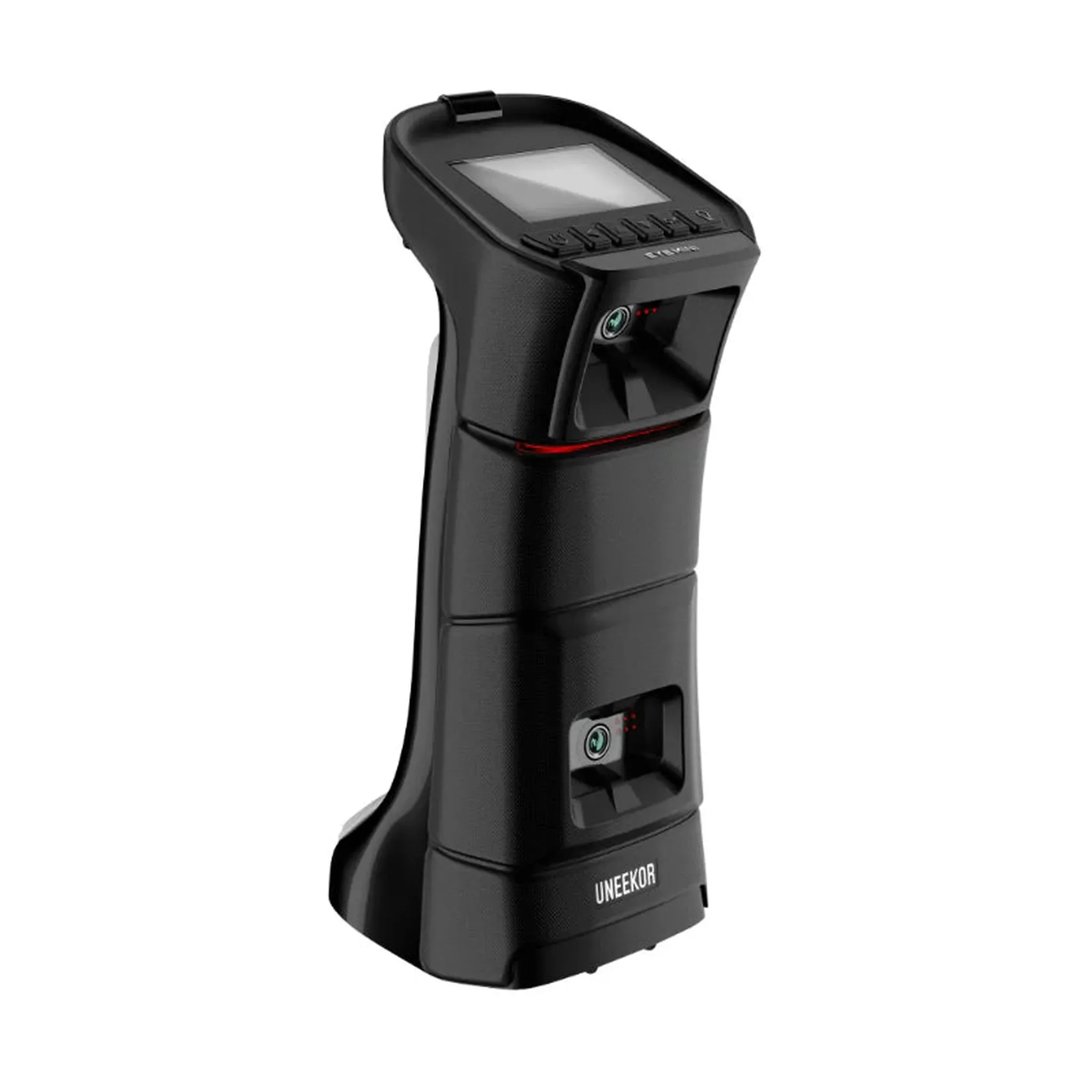
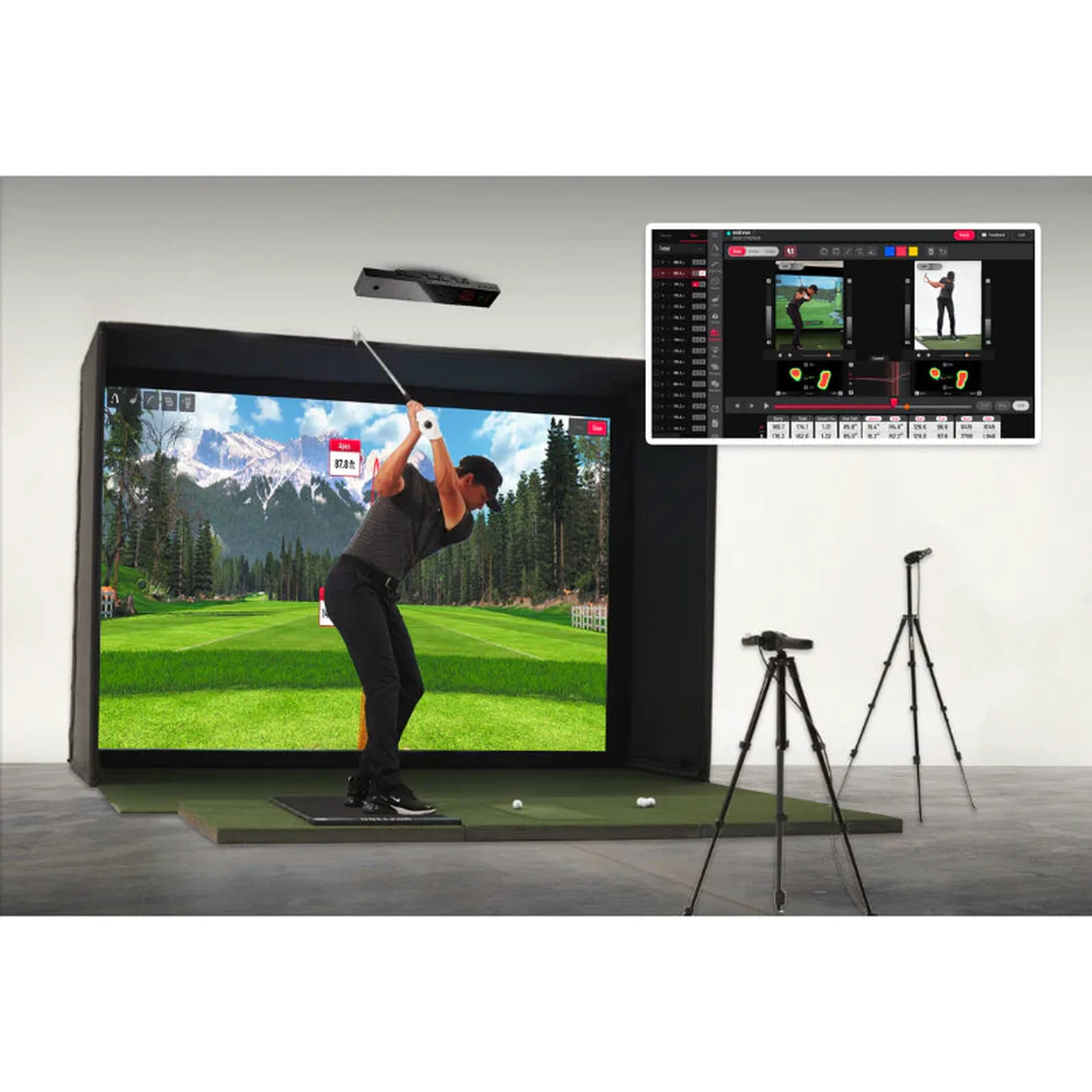
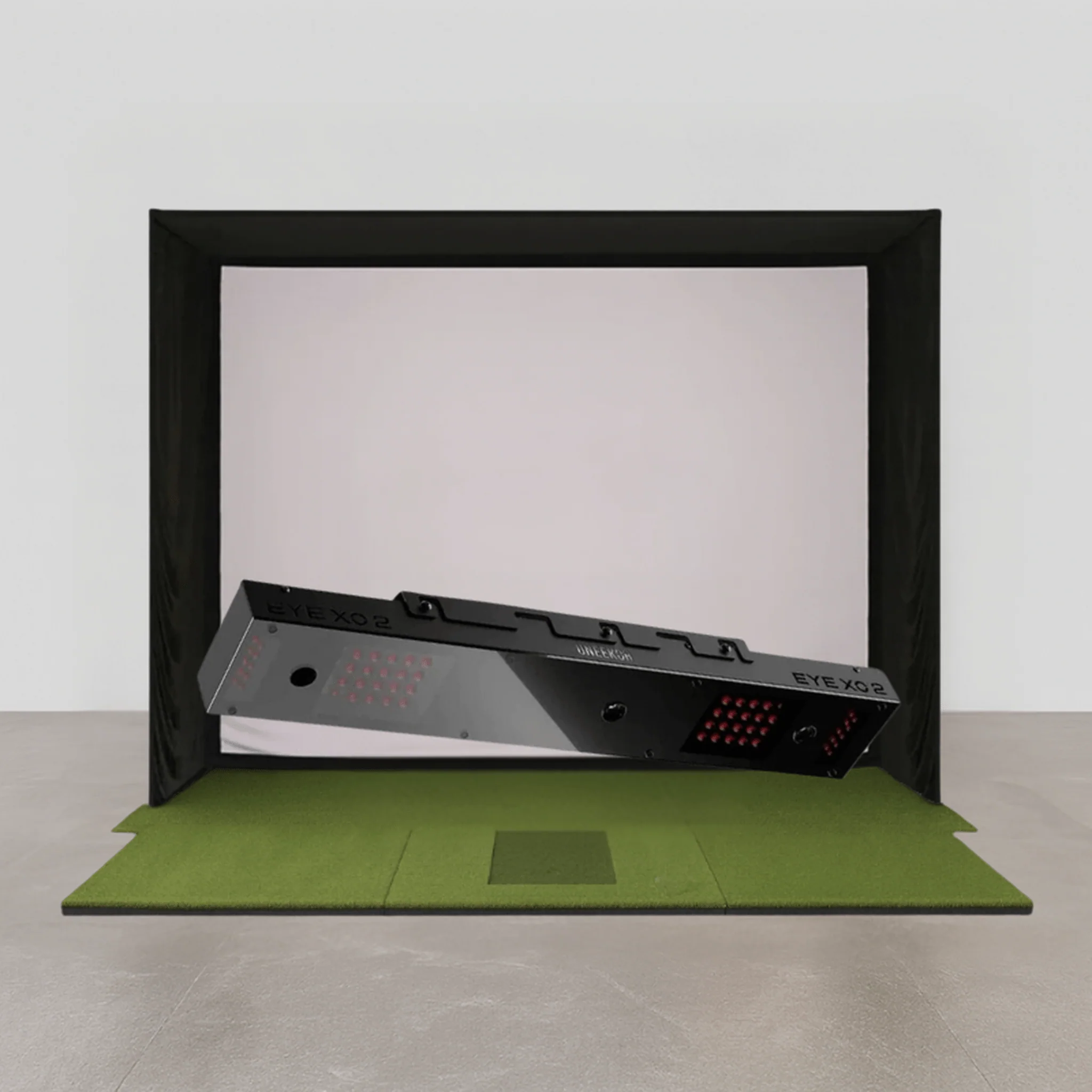
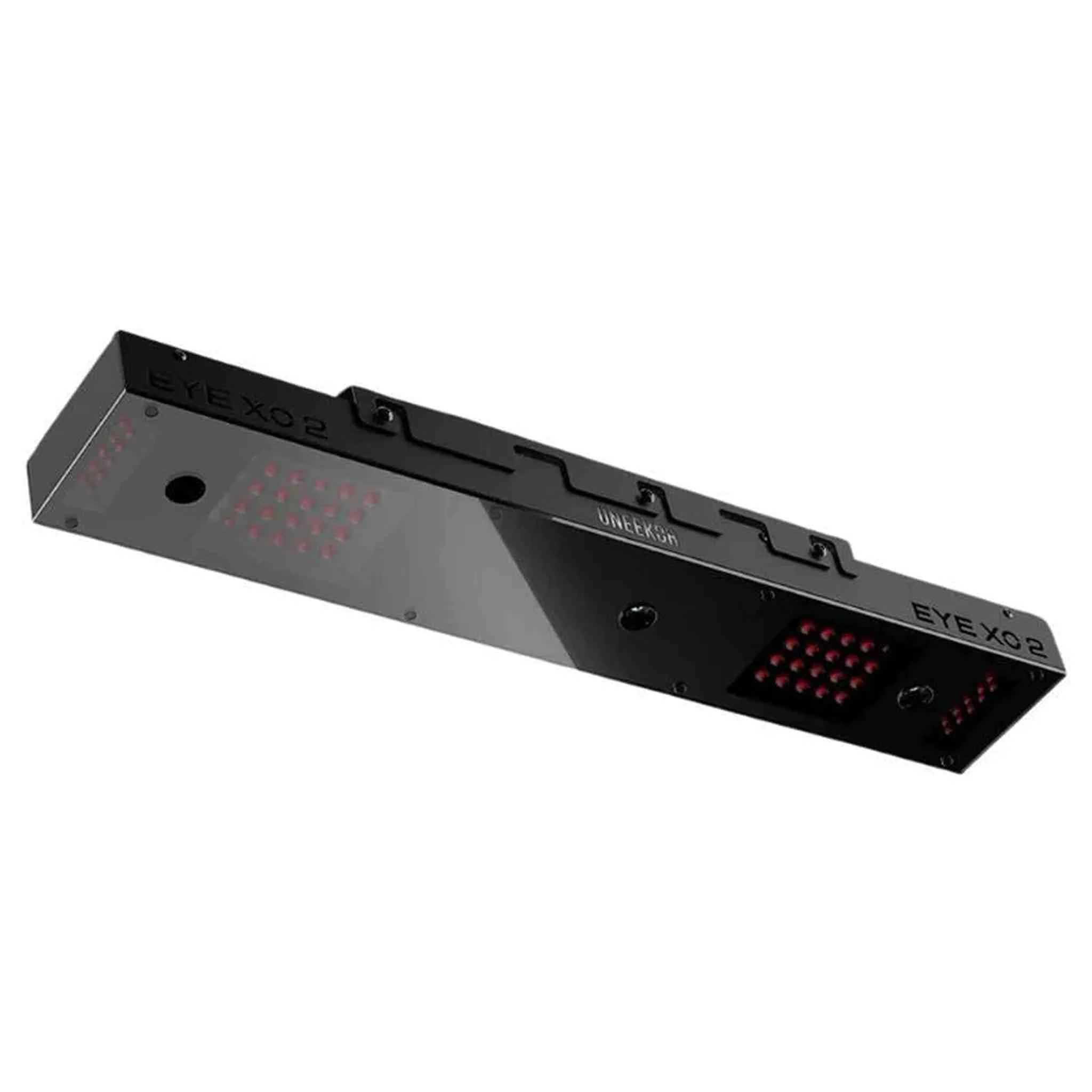
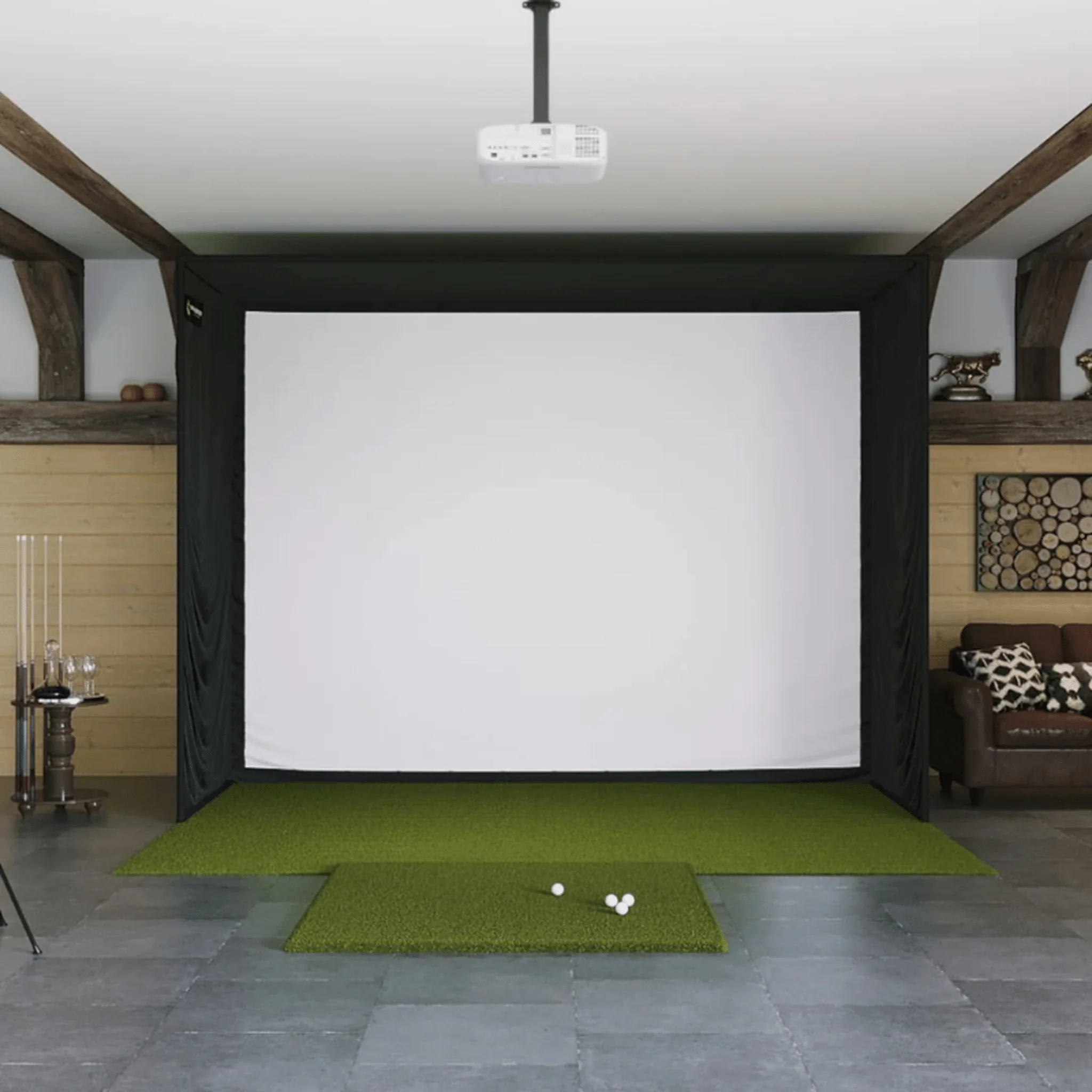
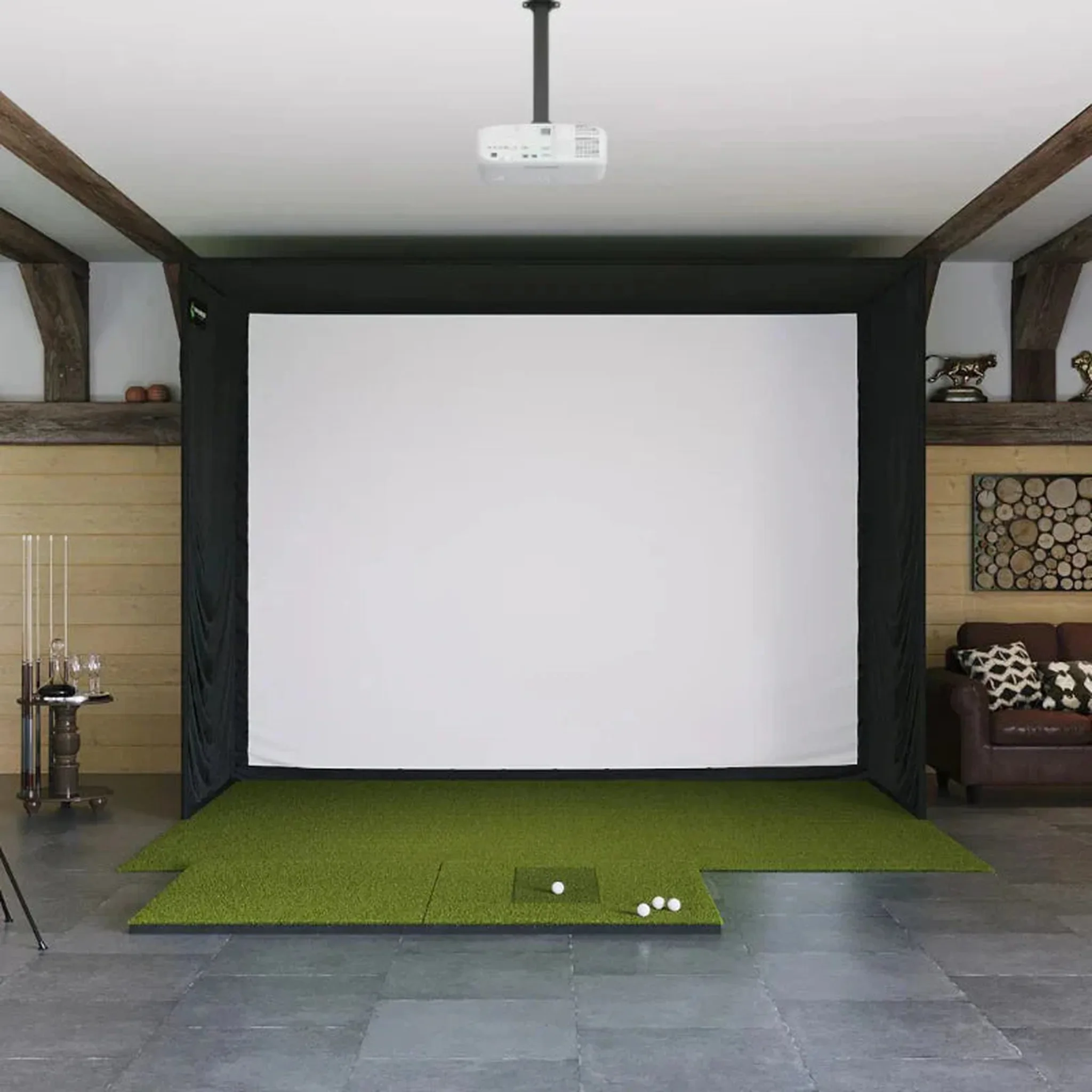
The Uneekor EYE XO2 SIG12 Golf Simulator Package includes the Uneekor EYE XO2 Launch Monitor, SIG12 Golf Simulator Enclosure, SIG Landing Pad Turf, and your choice of SIGPRO Golf Mat.
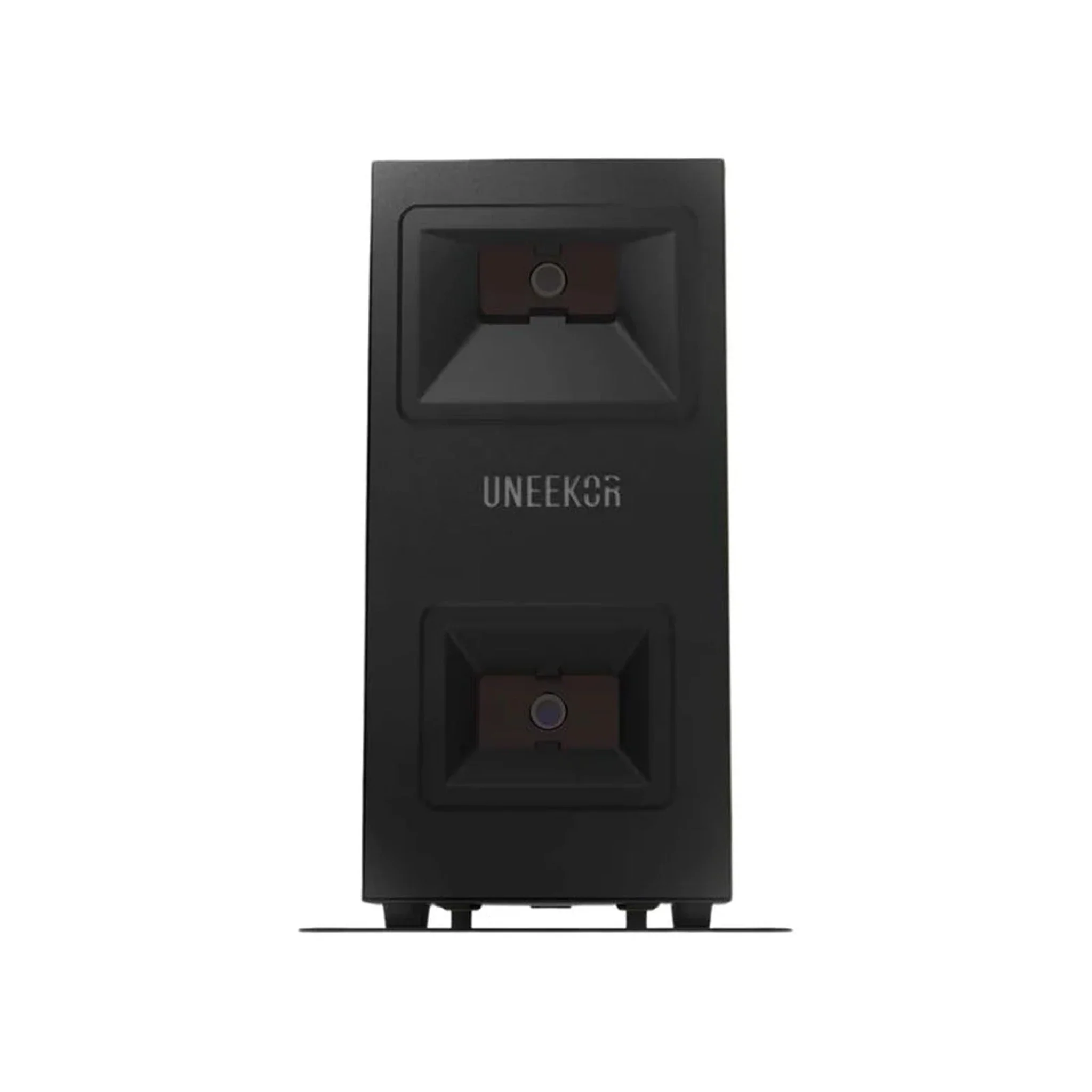
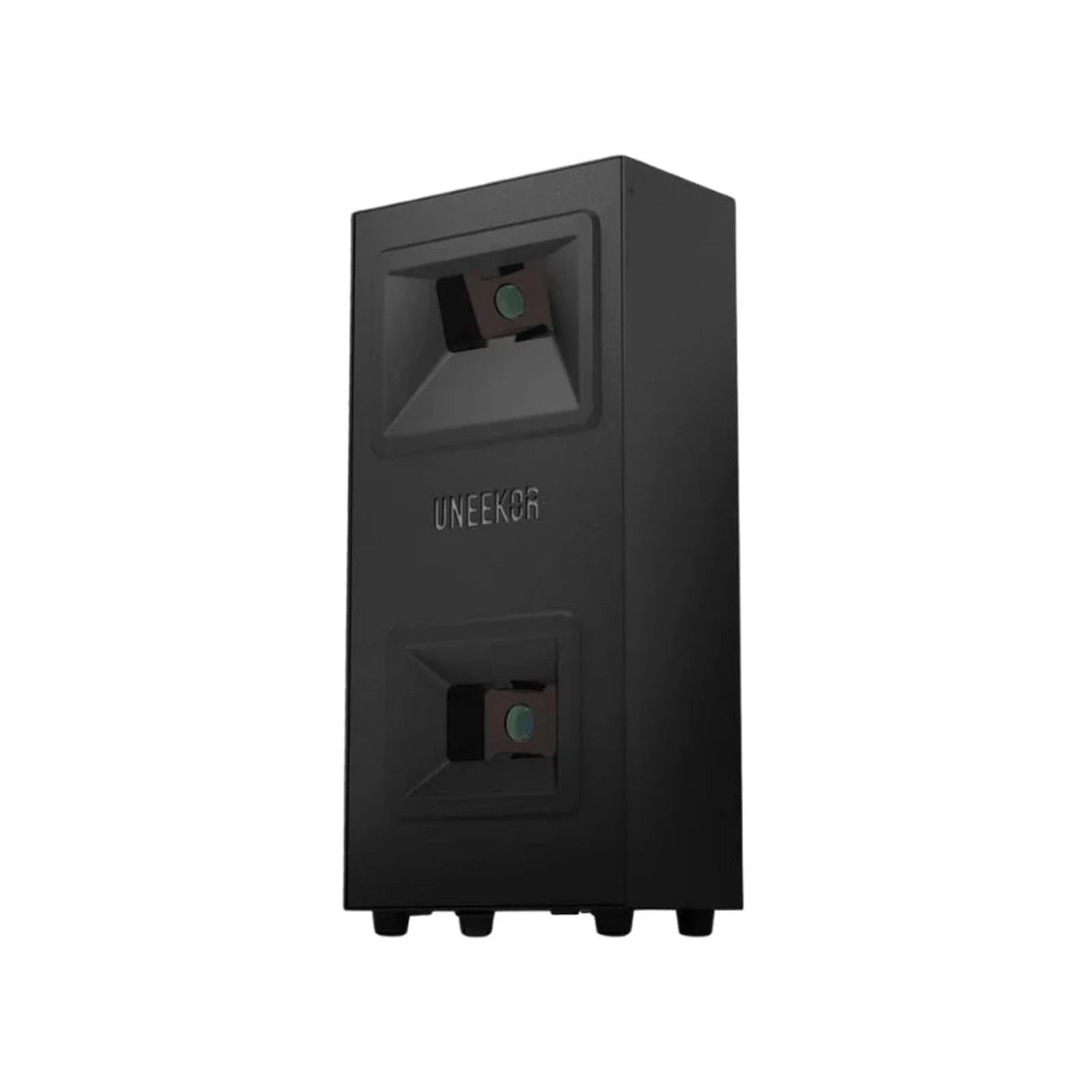
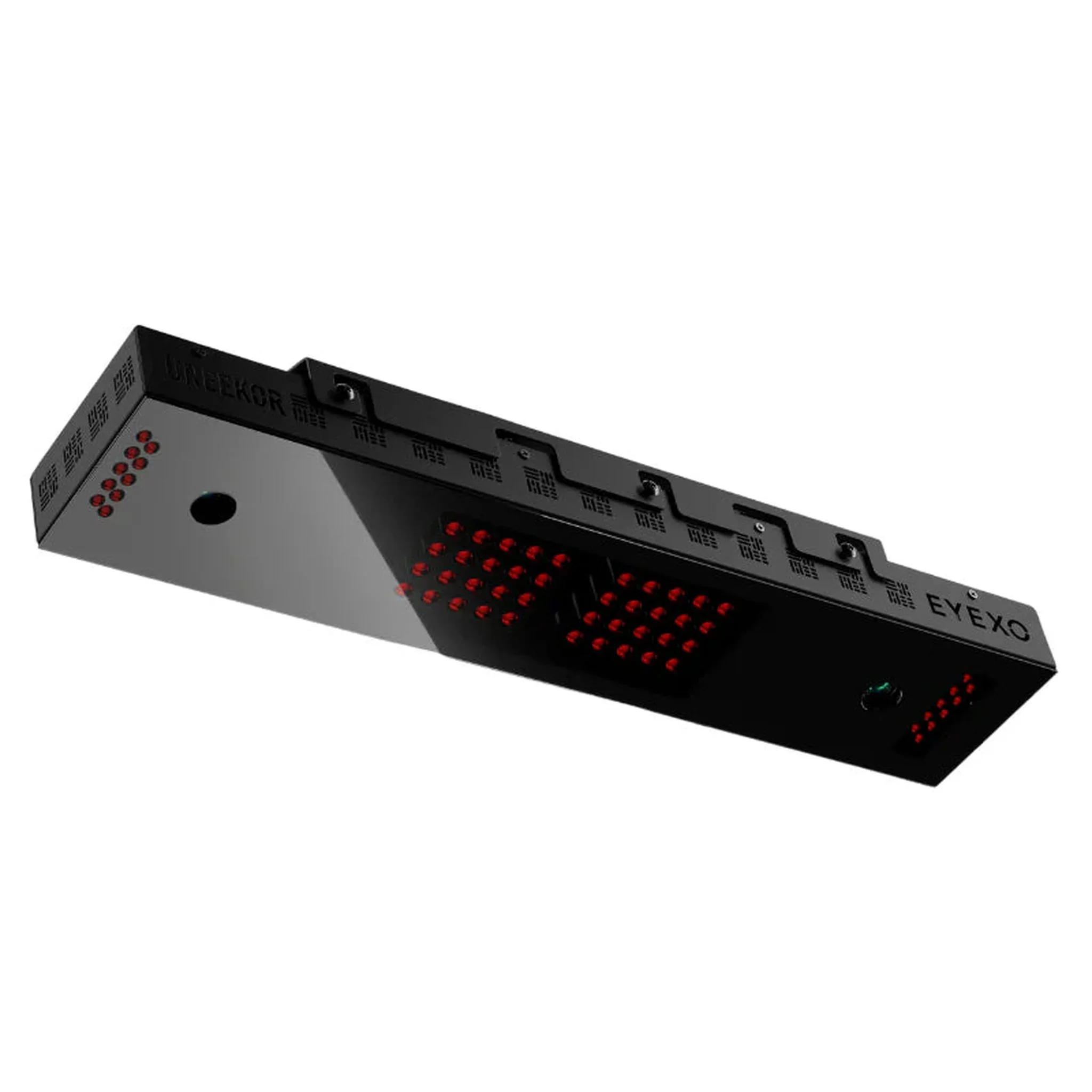
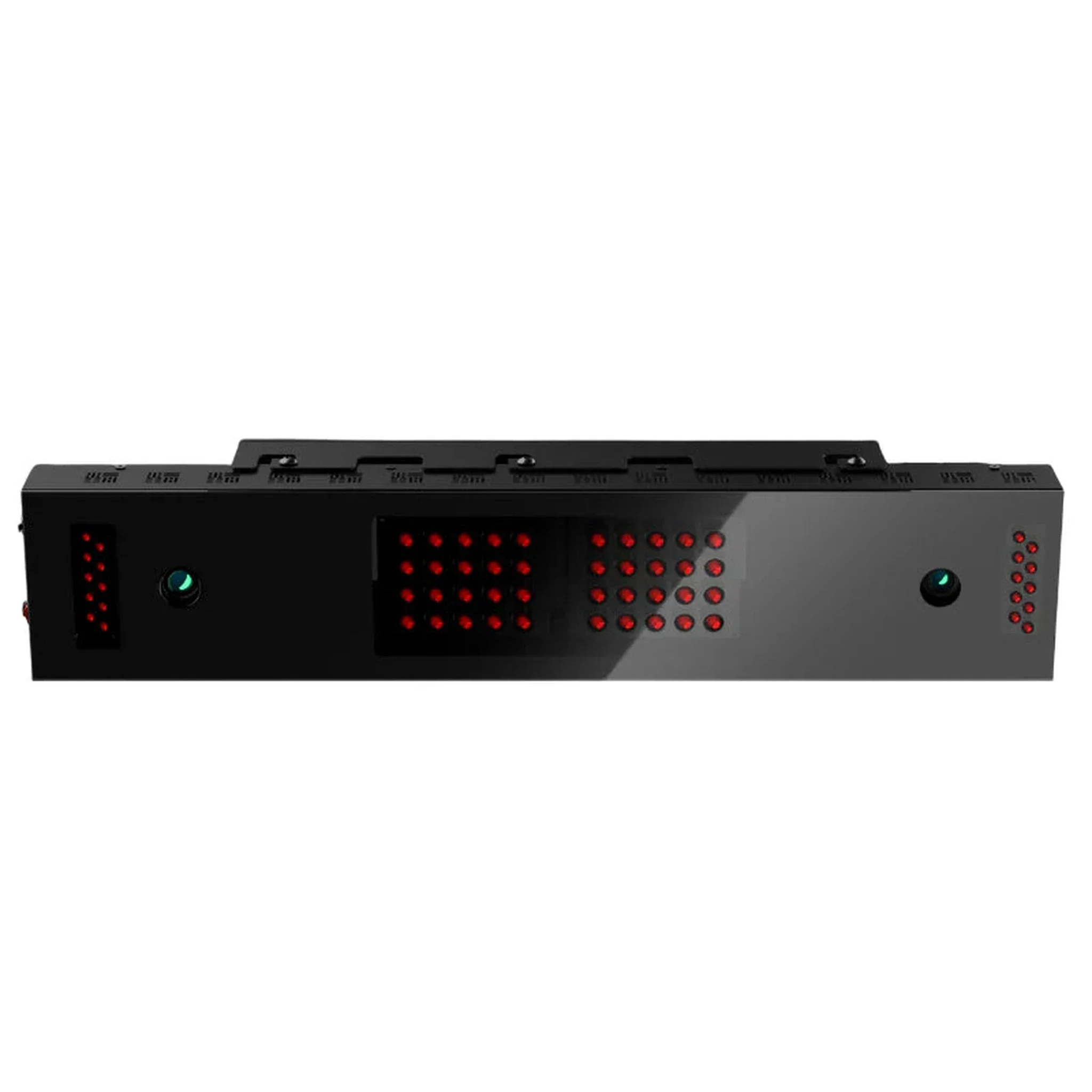
The Uneekor EYE XO2 is an advanced overhead launch monitor featuring three high-speed cameras. It represents the latest in Uneekor technology and offers a hitting zone twice the size of its predecessor, the EYE XO, ensuring comfortable and accurate play for both left- and right-handed golfers.
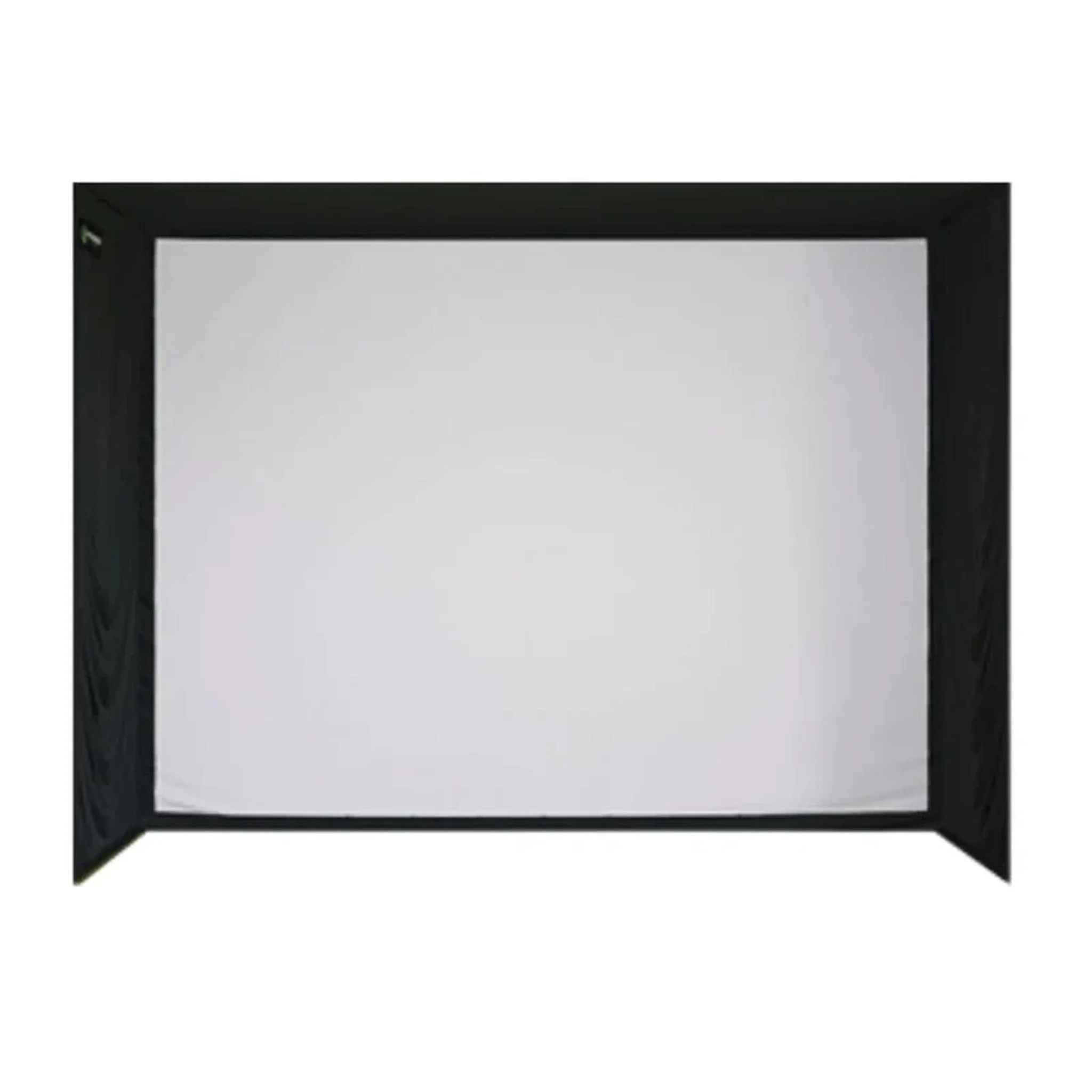
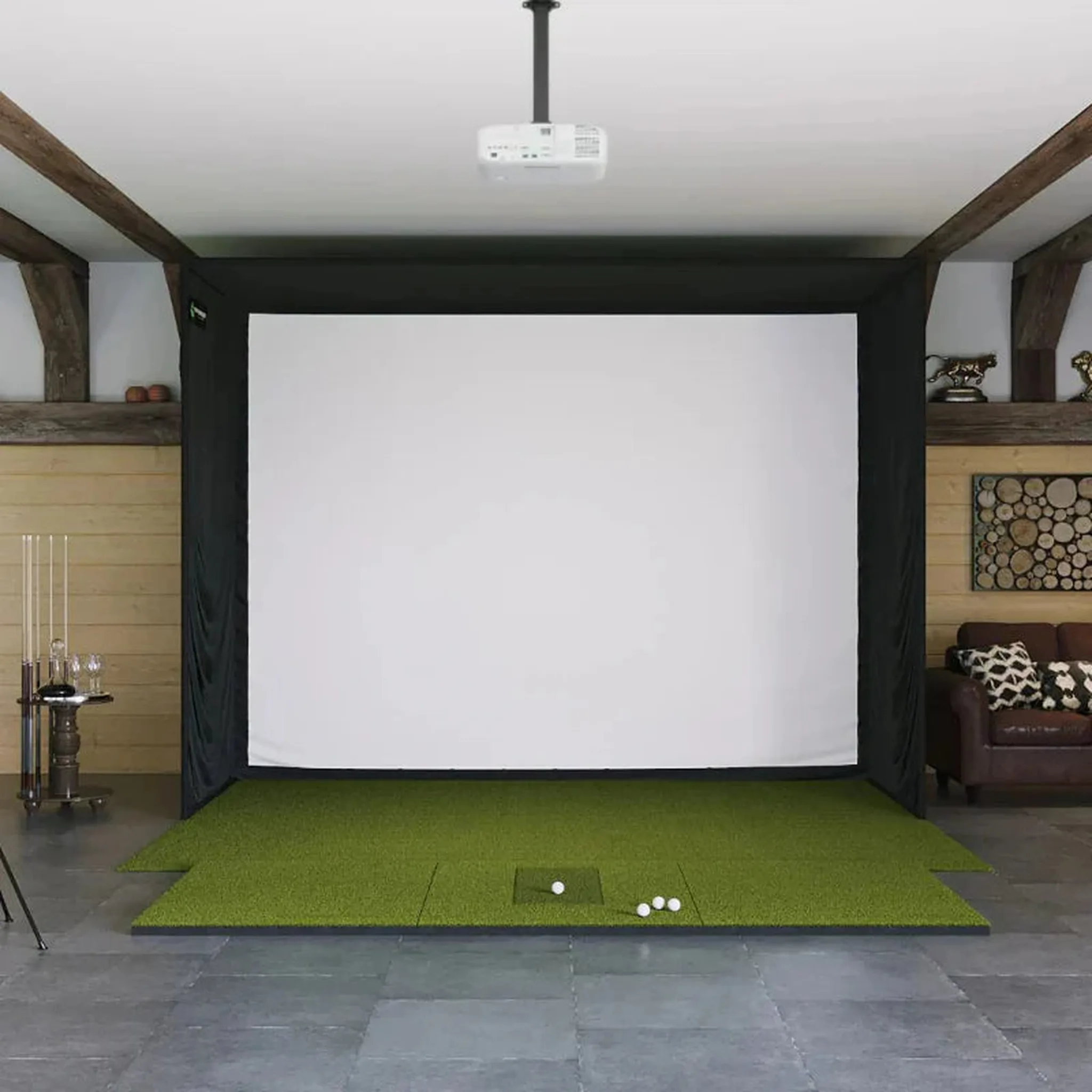
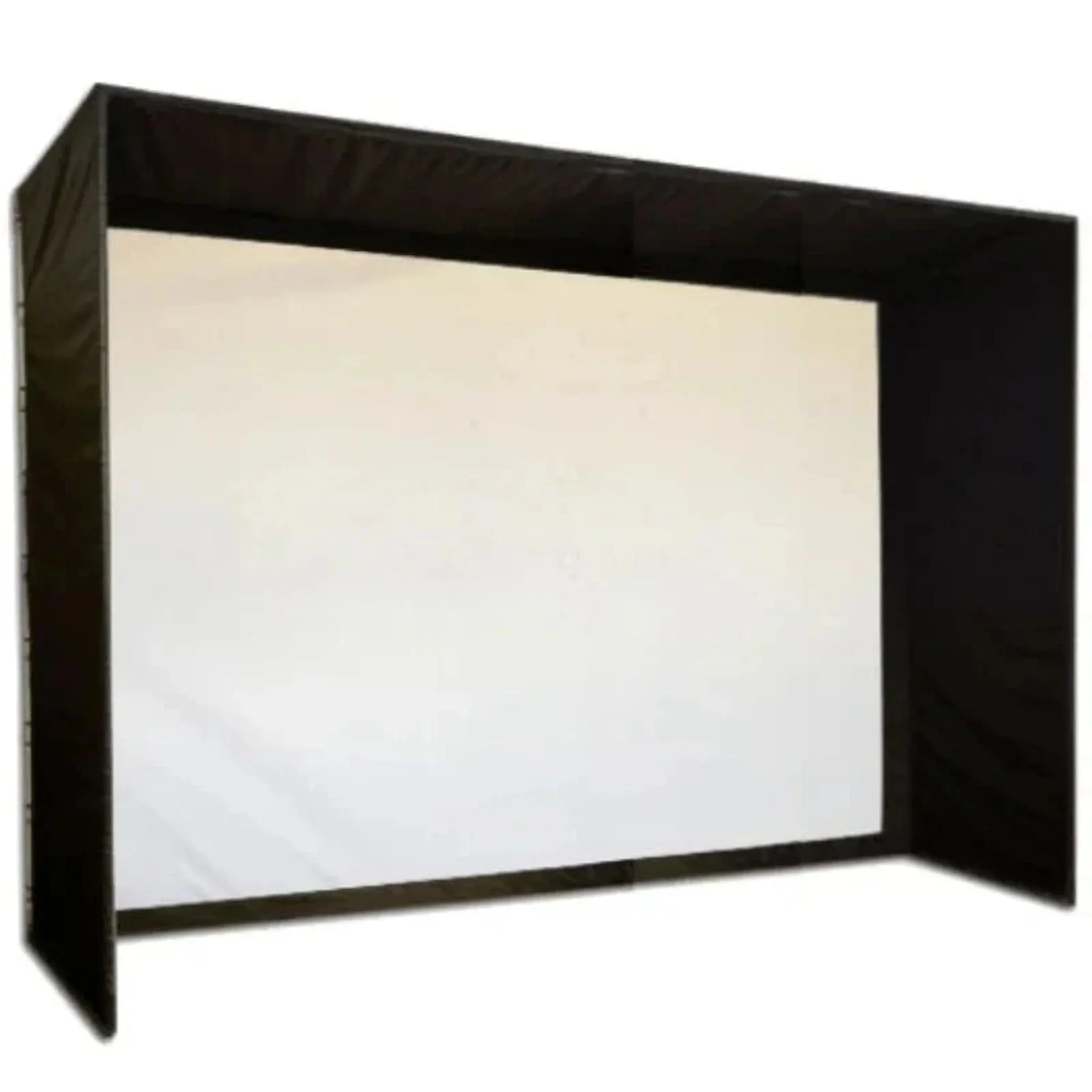
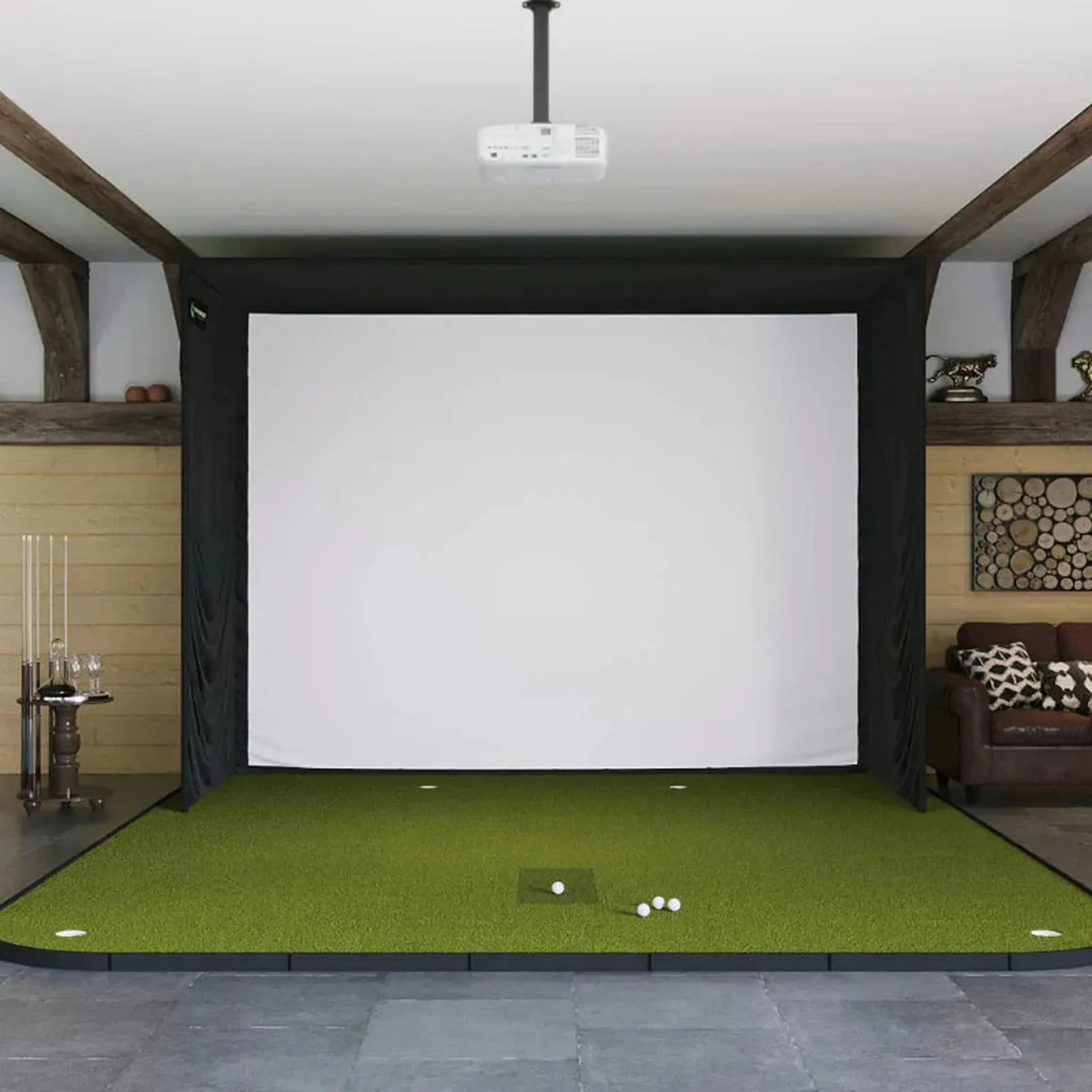
The SIG12 Golf Simulator Enclosure provides a premium, spacious setup for serious golfers. It comes complete with all components needed for installation, including a SIGPRO Premium (White) or Premier (Gray) Impact Screen, push pin poles and connectors, protective foam padding, premium enclosure surround material, and ball bungees.
Package Features
Expanded Swing & Hitting Area
The SIG12 offers a larger hitting zone than the SIG10, providing extra room for both left- and right-handed golfers. This expanded space ensures comfortable swings and reduces the need to reposition for different shots.
Instant Ball & Club Data
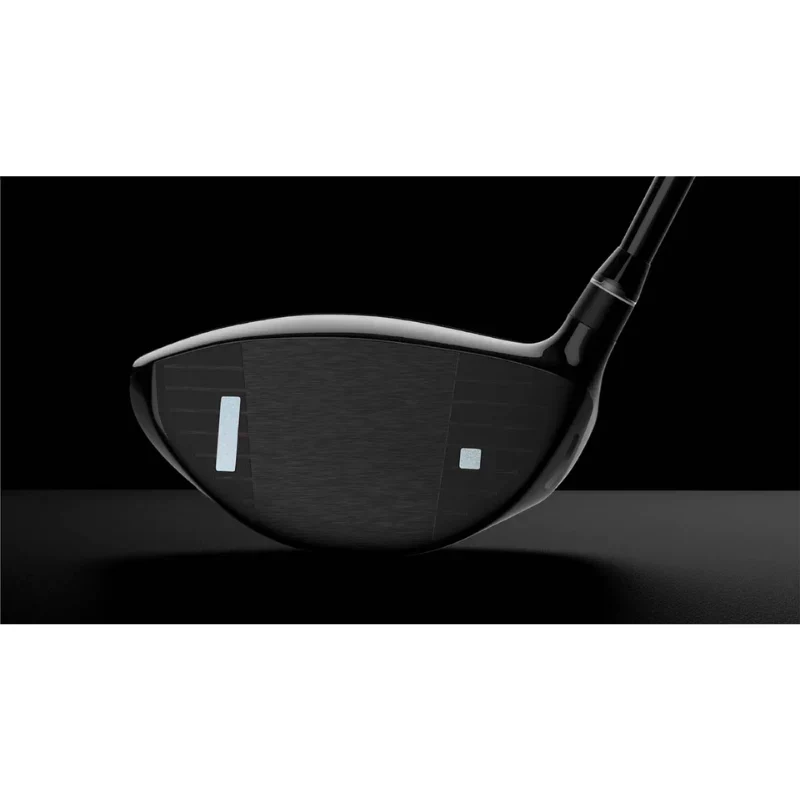
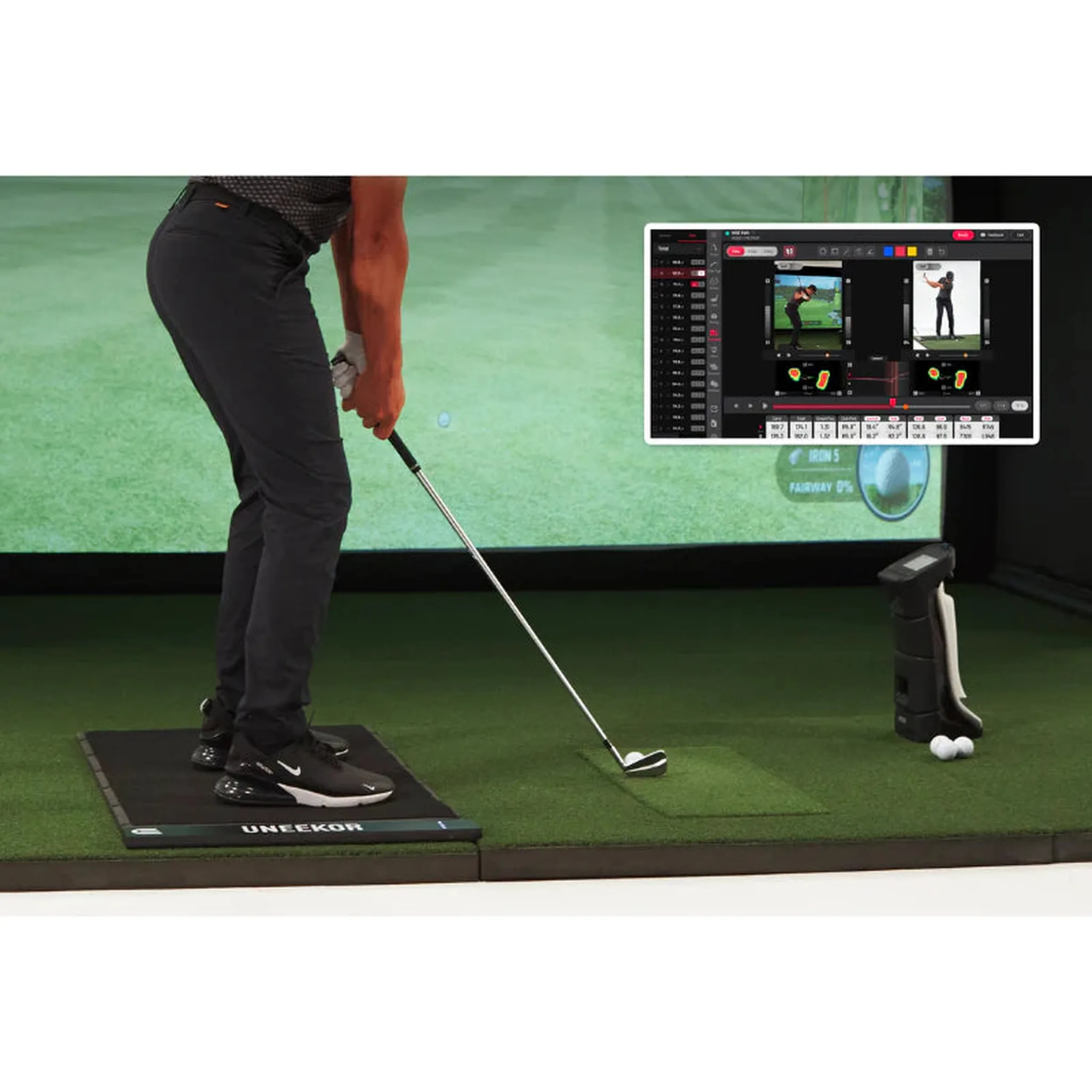
Receive near-instant feedback on ball flight, club path, and impact metrics directly on your impact screen. With the included VIEW software, track over 25 data points and visualize your swing for maximum precision and improvement.
Club Optix Video Analysis
See exactly how your club interacts with the ball in real time. Club Optix captures high-speed impact footage to help you refine swing mechanics, enhance consistency, and improve shot accuracy.
Power U Report
Track your progress over time with Power U Report. All your shots are stored and organized, letting you analyze performance trends and optimize your practice sessions anytime, anywhere.
Realistic Course Simulation
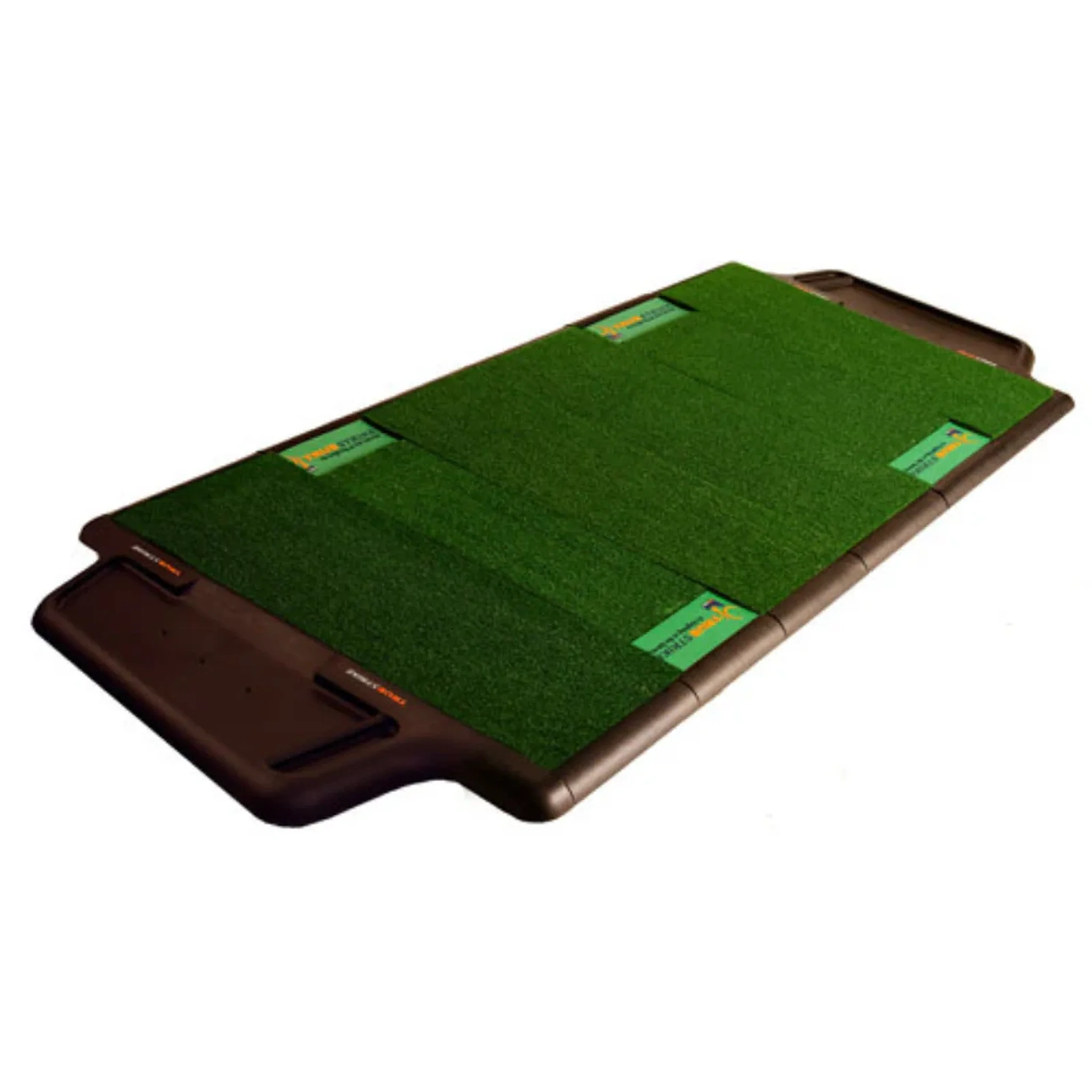
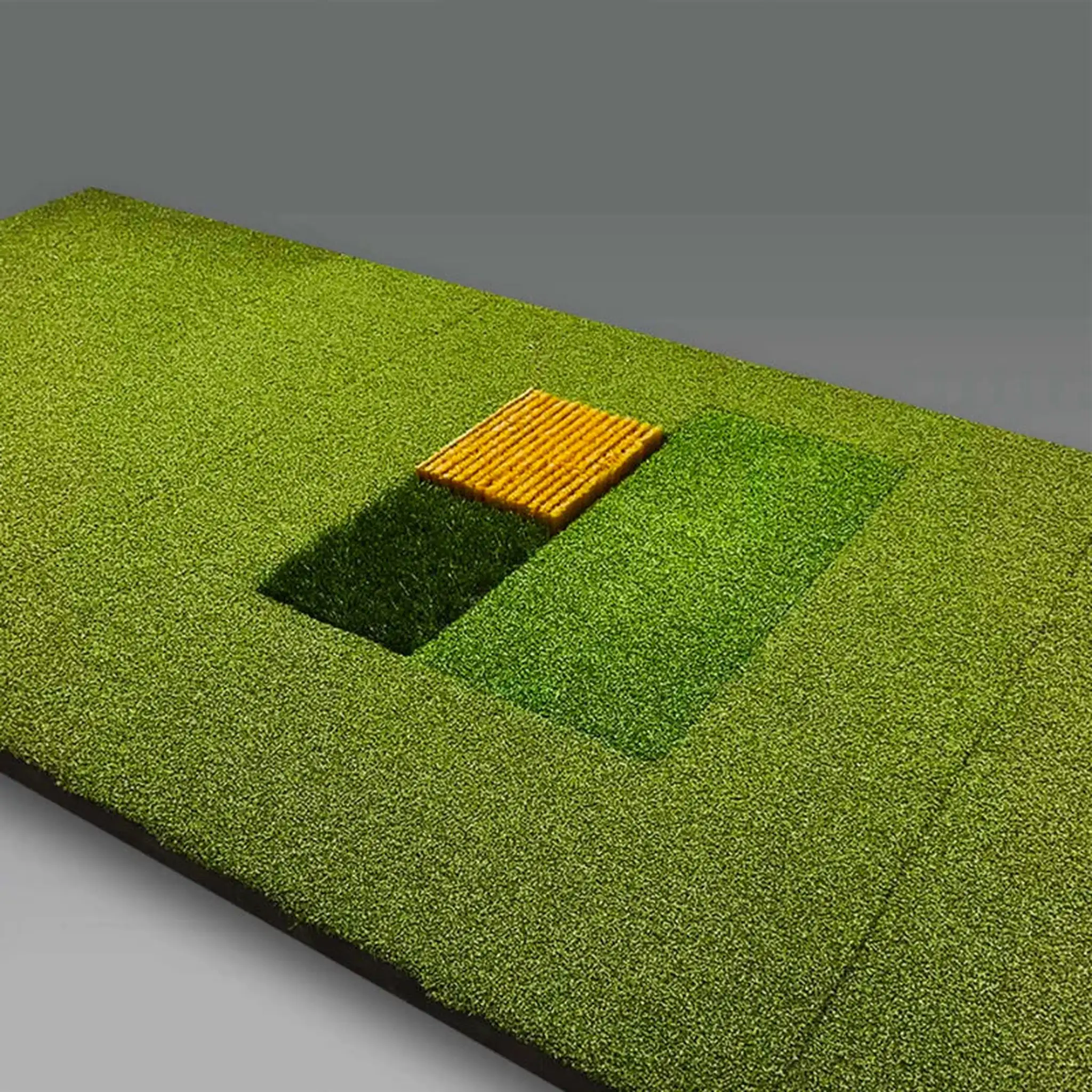
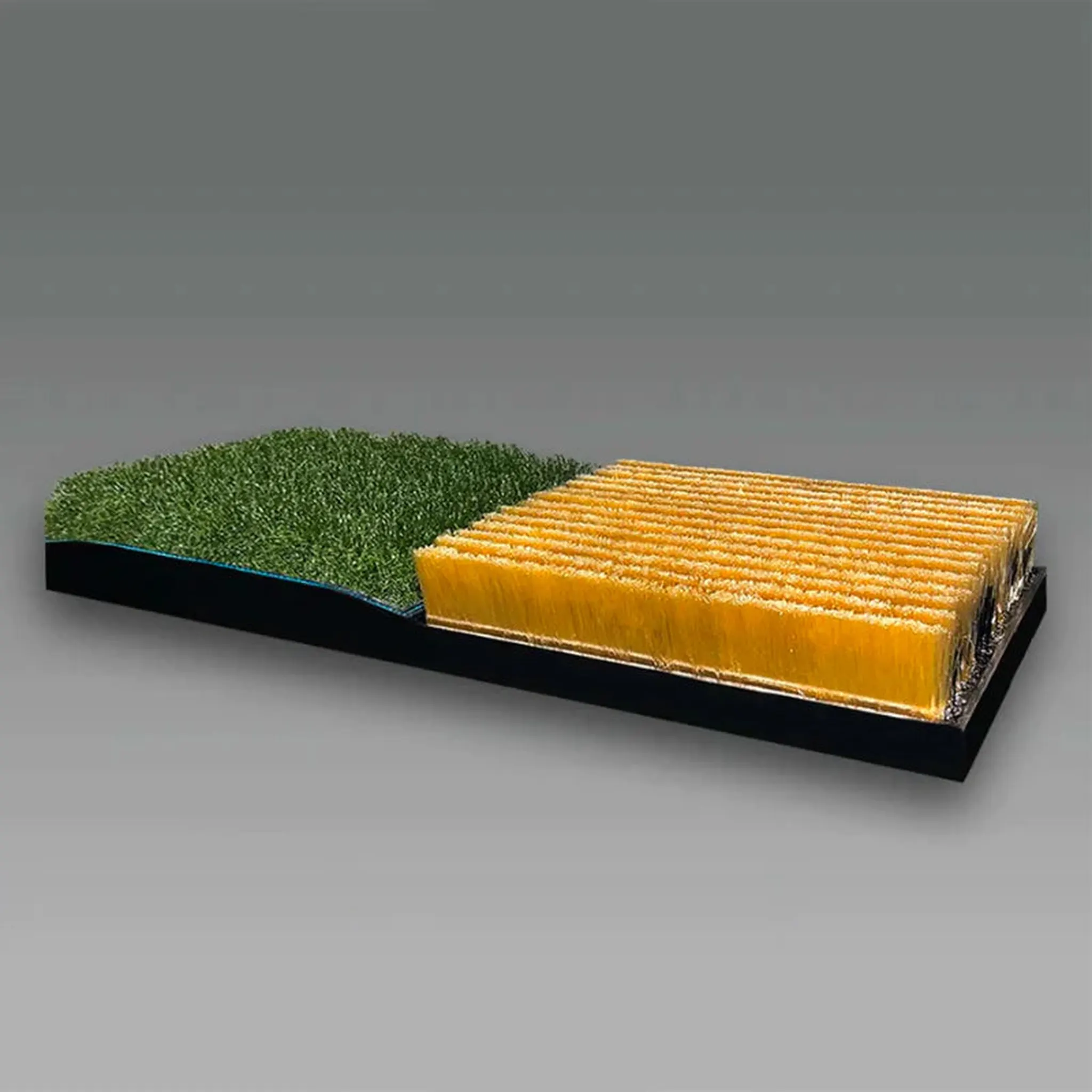
The package includes the Uneekor Trouble Mat with rough and bunker inserts to replicate true on-course conditions. Practice challenging lies and scenarios indoors for a realistic golfing experience.
Third-Party Software Ready
Easily integrate with leading golf simulators like TGC 2019, GSPro, and E6. Upgrade to Refine or Refine+ for access to full 18-hole courses and advanced training modes. Refine unlocks 5 18-hole courses, while Refine+ adds 15 non-U.S. courses for extended play variety.
What's Included
Included with Your Purchase:
• Uneekor EYE XO2 Launch Monitor
• SIG12 Enclosure
• Choice of SIGPRO Premium (White) or Premier (Gray) Impact Screen
• SIG Landing Pad Turf
• Choice of SIGPRO Golf Mat
• Push-Pin Poles and Connectors
• Protective Foam Padding
• Premium Enclosure Surround Material
• Ball Bungees
*SIG Landing Pad Turf is not included when you select the SIGPRO Golf Simulator Flooring as your hitting mat option.
Optional Accessories (Not Included):
• Projector
• Projector Ceiling Mount
• Side Barrier Netting
• Baffle
• Blackout Screen
Specifications
Uneekor EYE XO2 Launch Monitor Specifications
EYE XO2 Launch Monitor Dimensions:
-
EYE XO2 without Bracket: 36.3"L × 5.9"W × 2.5"H
-
EYE XO2 with Bracket: 36.3"L × 5.9"W × 4.3”H
-
EYE XO2 Shipping Dimensions: 43"L x 12"W x 12"H
EYE XO2 Launch Monitor Hitting Zone Dimensions:
- Hitting Zone: 28"W × 21"L
*Fixed Hitting Zone
SIG12 Enclosure Specifications
-
Overall Dimensions: 12'2"W x 9'4"H x 5'D
-
Viewable Screen Size: 11'5"W x 8'7"H x 14'3" Diagonal
-
Aspect Ratio: 4:3
Recommended Clearance: Minimum 2–3 inches above the enclosure and 2–3 inches of side clearance for proper assembly.
Hitting Mat Specifications
Fairway Series Mat
-
Dimensions: 5' D x 5' W x 1-⅝" H
-
Weight: 41 lbs
-
Real Tee Compatibility: Yes
SIGPRO Softy 4' x 7'
-
Dimensions: 4' D x 7' W x 2-½" H
-
Weight: 21 lbs
-
Replaceable Hitting Strip: SIGPRO Softy
-
Strip Dimensions: 28" L x 12" W x 2-⅝" H
-
Real Tee Compatibility: Yes
SIGPRO Softy 4' x 10'
-
Dimensions: 4' D x 10' W x 2-½" H
-
Weight: 31 lbs
-
Replaceable Hitting Strip: SIGPRO Softy
-
Strip Dimensions: 28" L x 12" W x 2-⅝" H
-
Real Tee Compatibility: Yes
SIG12 Golf Simulator Flooring
-
Dimensions: 15'6"D x 13'6"W x 2-⅜"H
-
Replaceable Hitting Strip: SIGPRO Softy
-
Strip Dimensions: 28"L x 12"W x 2-⅝"H
-
Center of Hitting Strip to Screen: 10'6"
-
Real Tee Compatibility: Yes
-
Stimpmeter: 9–10
-
Putting Cups: (4), Flags not included
SIG12 Landing Pad Turf Specifications
-
Dimensions: 9'D x 12'W x ⅜"H
-
Weight: 40 lbs
-
Construction: Two halves rolled together
-
Material: Nylon
FAQ
Q: What is included with the Uneekor EYE XO2 SIG12 Golf Simulator Package?
A: Uneekor EYE XO2 Launch Monitor, SIG12 Enclosure, choice of SIGPRO Premium (White) or Premier (Gray) Impact Screen, SIG Landing Pad Turf, choice of SIGPRO Golf Mat, push pin poles and connectors, protective foam padding, premium enclosure surround material, and ball bungees.
*SIG Landing Pad Turf is not included when you select the SIGPRO Golf Simulator Flooring as your hitting mat option.
Q: How far away should I stand from my impact screen?
A: For the safety of both the golfer and the screen, we recommend standing at least 10–12 feet away from the screen.
Q: How much buffer space do I need around my enclosure?
A: Allow a minimum of 2–3 inches of buffer space between the top of your enclosure and the ceiling for easy assembly. For width, give 2–3 inches of space between each side of your enclosure and any walls.
Q: How much space do I need for the enclosure?
A: When planning your simulator space, consider buffer space around walls and ceilings, the larger SIG12 enclosure footprint, launch monitor requirements, safe golfer distance (10–12 feet from the screen), golfer height, club length, turf thickness, and any nearby furniture or doorways.
Q: What if the black enclosure surround material gets hit with a golf ball?
A: The black enclosure surround material isn’t designed for direct hits. However, if a ball bounces off the impact screen and strikes the enclosure, it should not cause any issues.
Q: Is all the necessary piping included to complete the assembly of my enclosure?
A: Yes. Your purchase includes push pin poles sized for the SIG12 enclosure and all required connectors.
Q: How long does it take to assemble the enclosure?
A: Assembly time is approximately 1–2 hours, depending on size and whether you have a helper. Refer to the assembly video and manual for guidance.
Q: Where and how should I mount my projector?
A: Projector placement depends on your screen dimensions, aspect ratio, and projector throw ratio. Our team can provide exact mounting recommendations based on your SIG12 enclosure and projector. Common options include flush or drop mounts.
Resources
Documents:
SIG12 Assembly Videos:
Details & Craftsmanship
Every detail has been carefully considered to bring you the perfect product.
Details & Craftsmanship
Every detail has been carefully considered to bring you the perfect product.
Details & Craftsmanship
Every detail has been carefully considered to bring you the perfect product.
Details & Craftsmanship
Every detail has been carefully considered to bring you the perfect product.
Details & Craftsmanship
Every detail has been carefully considered to bring you the perfect product.
Details & Craftsmanship
Every detail has been carefully considered to bring you the perfect product.
Details & Craftsmanship
Every detail has been carefully considered to bring you the perfect product.
Description
Description
The Uneekor EYE XO2 SIG12 Golf Simulator Package includes the Uneekor EYE XO2 Launch Monitor, SIG12 Golf Simulator Enclosure, SIG Landing Pad Turf, and your choice of SIGPRO Golf Mat.
The Uneekor EYE XO2 is an advanced overhead launch monitor featuring three high-speed cameras. It represents the latest in Uneekor technology and offers a hitting zone twice the size of its predecessor, the EYE XO, ensuring comfortable and accurate play for both left- and right-handed golfers.
The SIG12 Golf Simulator Enclosure provides a premium, spacious setup for serious golfers. It comes complete with all components needed for installation, including a SIGPRO Premium (White) or Premier (Gray) Impact Screen, push pin poles and connectors, protective foam padding, premium enclosure surround material, and ball bungees.
Package Features
Expanded Swing & Hitting Area
The SIG12 offers a larger hitting zone than the SIG10, providing extra room for both left- and right-handed golfers. This expanded space ensures comfortable swings and reduces the need to reposition for different shots.
Instant Ball & Club Data
Receive near-instant feedback on ball flight, club path, and impact metrics directly on your impact screen. With the included VIEW software, track over 25 data points and visualize your swing for maximum precision and improvement.
Club Optix Video Analysis
See exactly how your club interacts with the ball in real time. Club Optix captures high-speed impact footage to help you refine swing mechanics, enhance consistency, and improve shot accuracy.
Power U Report
Track your progress over time with Power U Report. All your shots are stored and organized, letting you analyze performance trends and optimize your practice sessions anytime, anywhere.
Realistic Course Simulation
The package includes the Uneekor Trouble Mat with rough and bunker inserts to replicate true on-course conditions. Practice challenging lies and scenarios indoors for a realistic golfing experience.
Third-Party Software Ready
Easily integrate with leading golf simulators like TGC 2019, GSPro, and E6. Upgrade to Refine or Refine+ for access to full 18-hole courses and advanced training modes. Refine unlocks 5 18-hole courses, while Refine+ adds 15 non-U.S. courses for extended play variety.
What's Included
Included with Your Purchase:
• Uneekor EYE XO2 Launch Monitor
• SIG12 Enclosure
• Choice of SIGPRO Premium (White) or Premier (Gray) Impact Screen
• SIG Landing Pad Turf
• Choice of SIGPRO Golf Mat
• Push-Pin Poles and Connectors
• Protective Foam Padding
• Premium Enclosure Surround Material
• Ball Bungees
*SIG Landing Pad Turf is not included when you select the SIGPRO Golf Simulator Flooring as your hitting mat option.
Optional Accessories (Not Included):
• Projector
• Projector Ceiling Mount
• Side Barrier Netting
• Baffle
• Blackout Screen
Specifications
Uneekor EYE XO2 Launch Monitor Specifications
EYE XO2 Launch Monitor Dimensions:
-
EYE XO2 without Bracket: 36.3"L × 5.9"W × 2.5"H
-
EYE XO2 with Bracket: 36.3"L × 5.9"W × 4.3”H
-
EYE XO2 Shipping Dimensions: 43"L x 12"W x 12"H
EYE XO2 Launch Monitor Hitting Zone Dimensions:
- Hitting Zone: 28"W × 21"L
*Fixed Hitting Zone
SIG12 Enclosure Specifications
-
Overall Dimensions: 12'2"W x 9'4"H x 5'D
-
Viewable Screen Size: 11'5"W x 8'7"H x 14'3" Diagonal
-
Aspect Ratio: 4:3
Recommended Clearance: Minimum 2–3 inches above the enclosure and 2–3 inches of side clearance for proper assembly.
Hitting Mat Specifications
Fairway Series Mat
-
Dimensions: 5' D x 5' W x 1-⅝" H
-
Weight: 41 lbs
-
Real Tee Compatibility: Yes
SIGPRO Softy 4' x 7'
-
Dimensions: 4' D x 7' W x 2-½" H
-
Weight: 21 lbs
-
Replaceable Hitting Strip: SIGPRO Softy
-
Strip Dimensions: 28" L x 12" W x 2-⅝" H
-
Real Tee Compatibility: Yes
SIGPRO Softy 4' x 10'
-
Dimensions: 4' D x 10' W x 2-½" H
-
Weight: 31 lbs
-
Replaceable Hitting Strip: SIGPRO Softy
-
Strip Dimensions: 28" L x 12" W x 2-⅝" H
-
Real Tee Compatibility: Yes
SIG12 Golf Simulator Flooring
-
Dimensions: 15'6"D x 13'6"W x 2-⅜"H
-
Replaceable Hitting Strip: SIGPRO Softy
-
Strip Dimensions: 28"L x 12"W x 2-⅝"H
-
Center of Hitting Strip to Screen: 10'6"
-
Real Tee Compatibility: Yes
-
Stimpmeter: 9–10
-
Putting Cups: (4), Flags not included
SIG12 Landing Pad Turf Specifications
-
Dimensions: 9'D x 12'W x ⅜"H
-
Weight: 40 lbs
-
Construction: Two halves rolled together
-
Material: Nylon
FAQ
Q: What is included with the Uneekor EYE XO2 SIG12 Golf Simulator Package?
A: Uneekor EYE XO2 Launch Monitor, SIG12 Enclosure, choice of SIGPRO Premium (White) or Premier (Gray) Impact Screen, SIG Landing Pad Turf, choice of SIGPRO Golf Mat, push pin poles and connectors, protective foam padding, premium enclosure surround material, and ball bungees.
*SIG Landing Pad Turf is not included when you select the SIGPRO Golf Simulator Flooring as your hitting mat option.
Q: How far away should I stand from my impact screen?
A: For the safety of both the golfer and the screen, we recommend standing at least 10–12 feet away from the screen.
Q: How much buffer space do I need around my enclosure?
A: Allow a minimum of 2–3 inches of buffer space between the top of your enclosure and the ceiling for easy assembly. For width, give 2–3 inches of space between each side of your enclosure and any walls.
Q: How much space do I need for the enclosure?
A: When planning your simulator space, consider buffer space around walls and ceilings, the larger SIG12 enclosure footprint, launch monitor requirements, safe golfer distance (10–12 feet from the screen), golfer height, club length, turf thickness, and any nearby furniture or doorways.
Q: What if the black enclosure surround material gets hit with a golf ball?
A: The black enclosure surround material isn’t designed for direct hits. However, if a ball bounces off the impact screen and strikes the enclosure, it should not cause any issues.
Q: Is all the necessary piping included to complete the assembly of my enclosure?
A: Yes. Your purchase includes push pin poles sized for the SIG12 enclosure and all required connectors.
Q: How long does it take to assemble the enclosure?
A: Assembly time is approximately 1–2 hours, depending on size and whether you have a helper. Refer to the assembly video and manual for guidance.
Q: Where and how should I mount my projector?
A: Projector placement depends on your screen dimensions, aspect ratio, and projector throw ratio. Our team can provide exact mounting recommendations based on your SIG12 enclosure and projector. Common options include flush or drop mounts.
Resources
Documents:
SIG12 Assembly Videos: